-
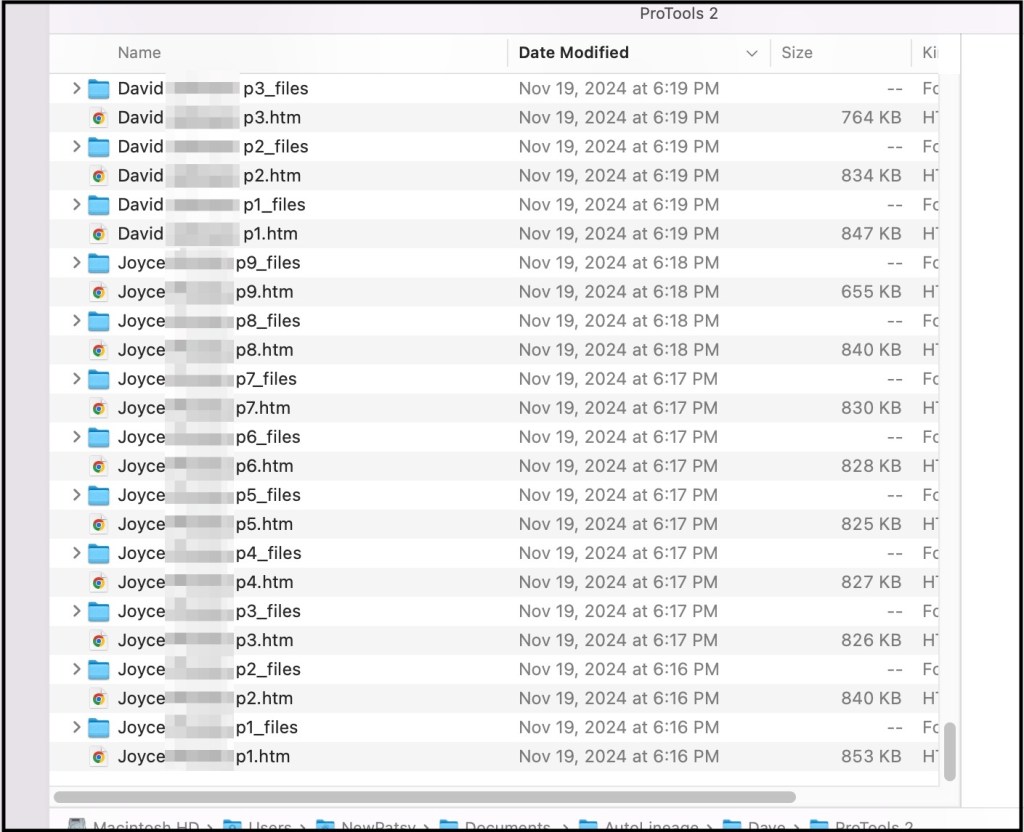
A Shortcut for Saving Pro Tools Shared Matches
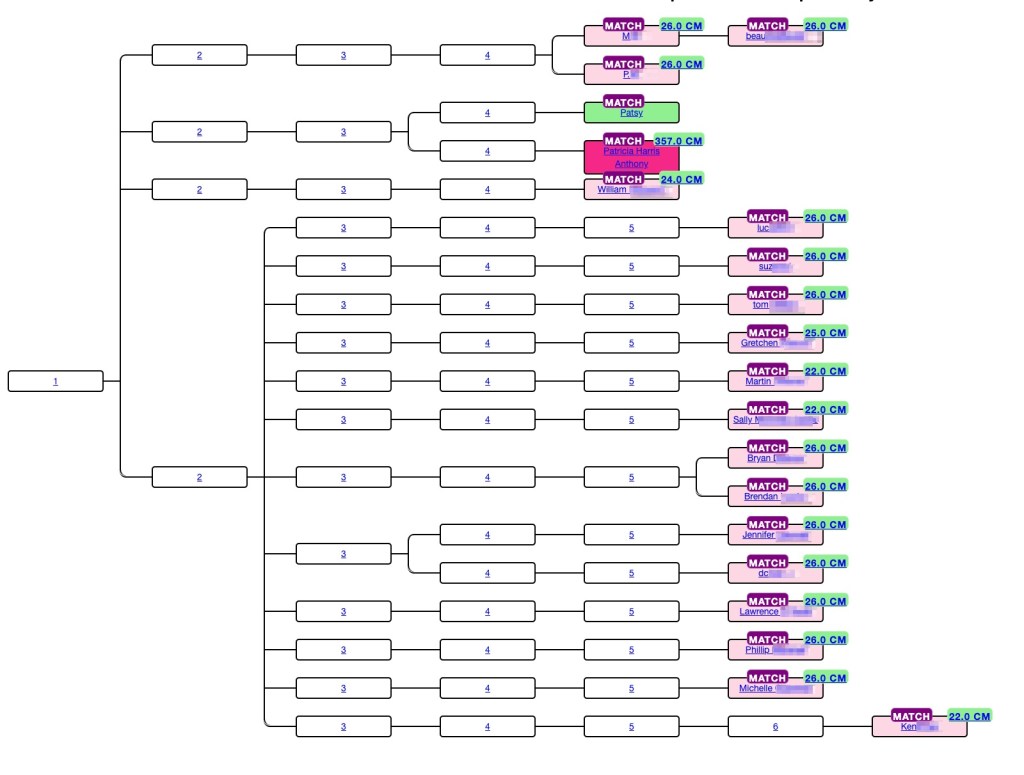
If you have been collecting your Pro Tools shared matches for AutoLineage, you know it can take a bit of time. I’ve found another shortcut to speed up this collection. First I check if the match has a tree and look at the tree. If it’s only a few people and all are private, there’s…
-
Convert Ancestry ProTools to Trees using AutoLineage and AutoKinship!
Genetic Affairs has unveiled a powerful new feature in AutoLineage—now you can apply AutoKinship to each individual cluster generated from Ancestry ProTools shared matches, unlocking a whole new level of insight into your family connections! It invokes the functionality of AutoKinship on the site directly at no additional cost, to provide reconstructed trees based on…
-
Pruning Your Trees in AutoLineage
I like to have pretty trees when I run ‘Find Common Ancestors’ on AutoLineage. But sometimes they turn out very messy. This blog will describe why that happens and how to fix it. The most common occurrence is when a match has more than one tree. I know that my second cousin (2C) Trish has…
-
Linking GEDmatch and FTDNA – AutoLineage for iGG
AutoLineage is a powerful tool that allows you to cluster your matches at a particular testing site but also to find common ancestors across multiple sites. In this blog, we will discuss a scenario when only data from FamilyTreeDNA (FTDNA) and GEDmatch can be used as sources, for instance for an investigative genetic genealogy search.…
-
AutoLineage
AutoLineage is the latest tool to be added to Genetic Affairs. It contains a number of the other tools, such as AutoClustering of DNA matches at any site. But the big new feature with AutoLineage is the ability to find most recent common ancestors (MRCA) for trees that you have added. These trees can be…
-
Subscribe
Subscribed
Already have a WordPress.com account? Log in now.
 Patricia Coleman Genealogy LLC